Comparison
GymLog Coach vs Google Sheets
Most trainers start with spreadsheets: they are free and familiar. Trouble starts once you have more than five clients.
| Google Sheets / Excel | GymLog Coach | |
|---|---|---|
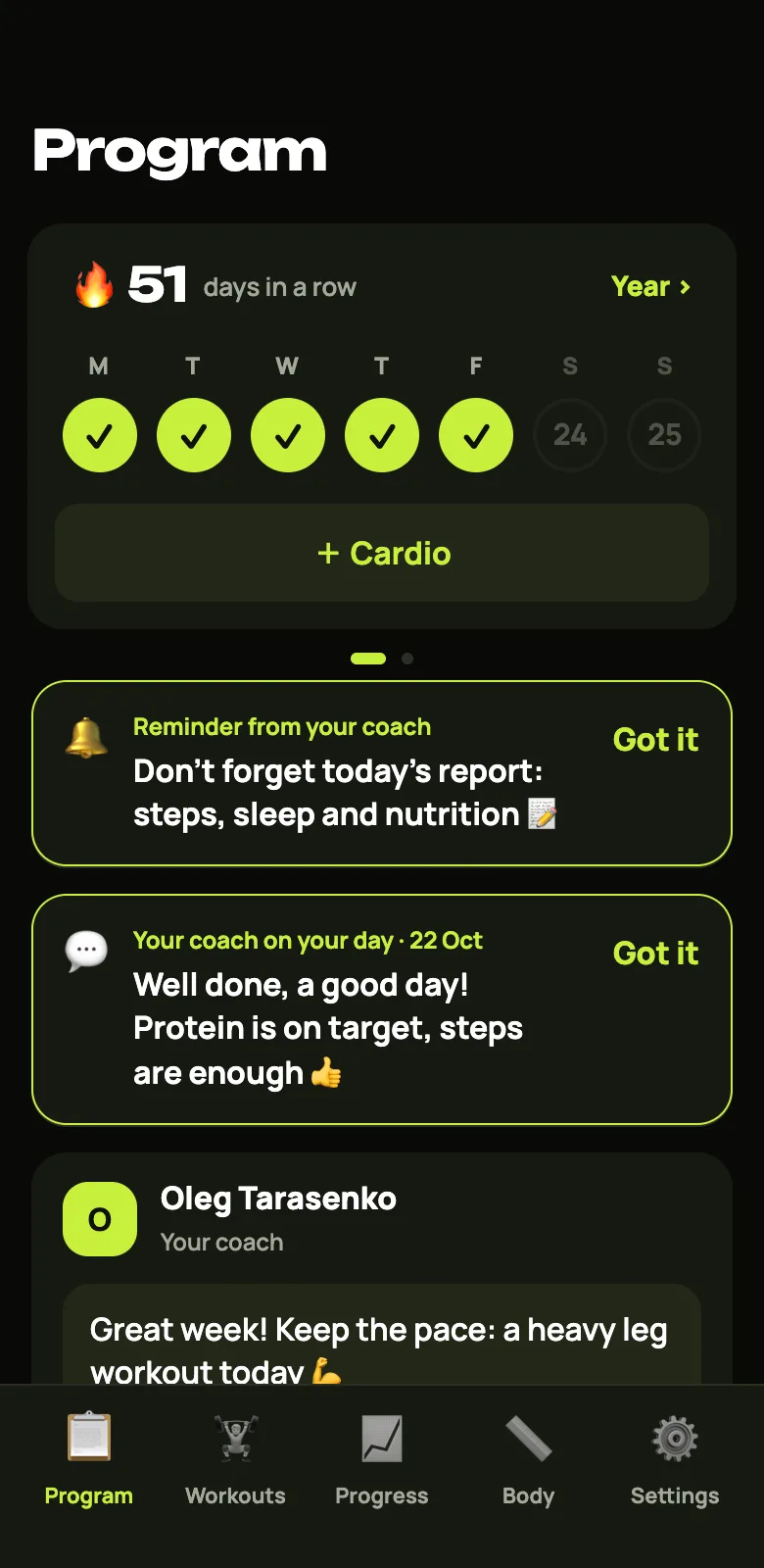
| Client report from a phone | Awkward, tiny cells | A few taps in the app |
| All clients on one screen | No, a file per client | Yes, who did what yesterday |
| Reminders to clients | By hand in a messenger | Automatic, in the evening |
| Progress and records | Formulas and charts by hand | Calculated for you |
| Payments and access | Tracked separately | By month, access closes on its own |
| Price | Free | From $20 a month, 7 days free |
When spreadsheets are enough
With 1-3 clients who fill everything in carefully, spreadsheets work. The catch is that you open each client separately and check by hand.
When it is time to switch
- You have more than five clients and checking reports takes an hour a day.
- Clients forget to fill in the sheet.
- You track payments in a separate file or in notes.
- You want to see progress without hand-made formulas.
Moving over without losing anything
Paste a program from Google Sheets or Excel straight into the dashboard. On Pro and Studio we move your clients and their history for you.
FAQ
Can I use both?
Yes. Any client’s data exports from GymLog to Excel, so you can keep spreadsheets for reporting.
Is it hard for clients to switch?
No, a client just opens a link. There is no sign-up and nothing to download.